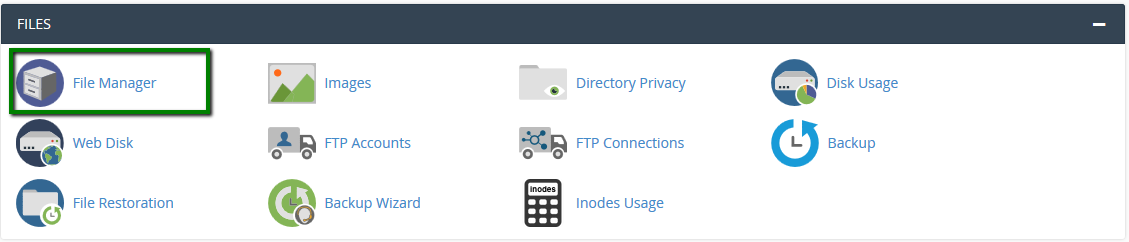
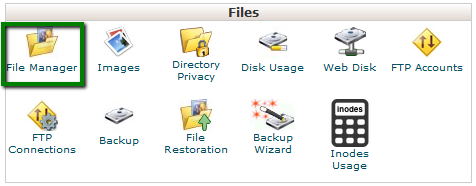
1. Log into your cPanel account, go to the Files section >> the File Manager menu.
For cPanel Basic Theme:
For cPanel Basic Theme:
For cPanel Retro Theme:
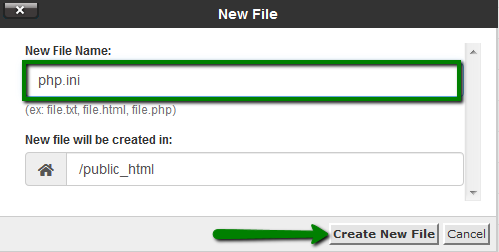
2. Navigate to the root directory of the domain, click on New File, and create a file named php.ini:
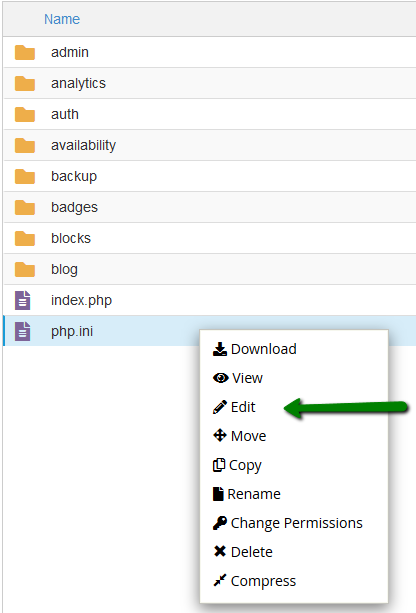
3. Find the newly created file in the list, right-click, and choose Edit:
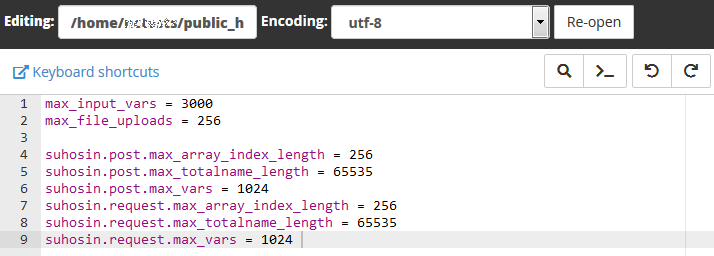
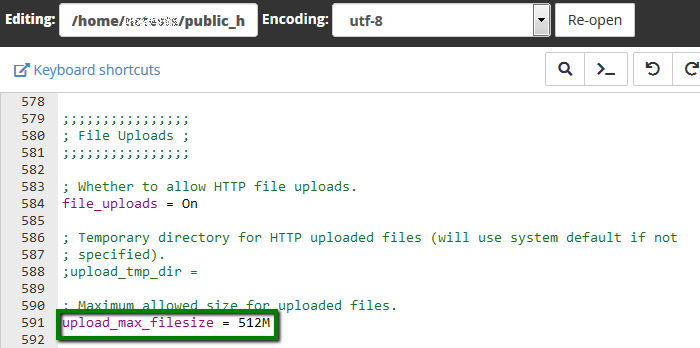
4. Add the required PHP settings and click on Save Changes in the top right corner: